











 English
 Français
 Deutsch
 Português
 Español
 русский
  한국어
한국어 العربية
 Italiano
 Indonesia
 Schweiz
 Polski
 Nederlands
 ישראל - עברית
 Perzisch
 ไทย
ไทย 日本語
日本語 ኢትዮ-አማርኛ
 Việt Nam
 Kiswahili
 Srpski
 Ελληνικά
 繁體中文
繁體中文Server, UPS, and Electronics Cooling Fans in Data Centers
09/03/2026The hidden fan layer inside the data center
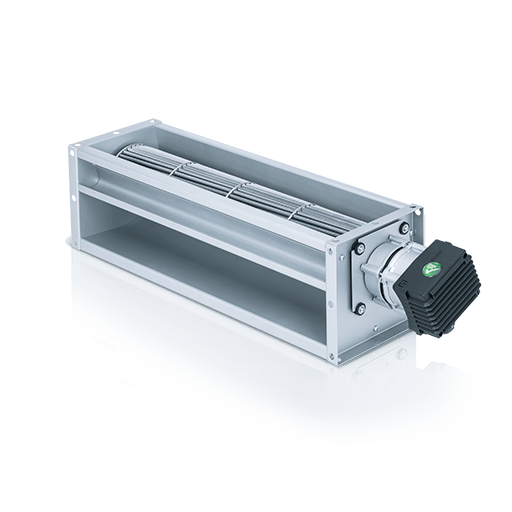
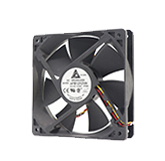
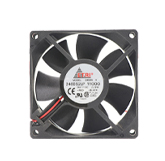
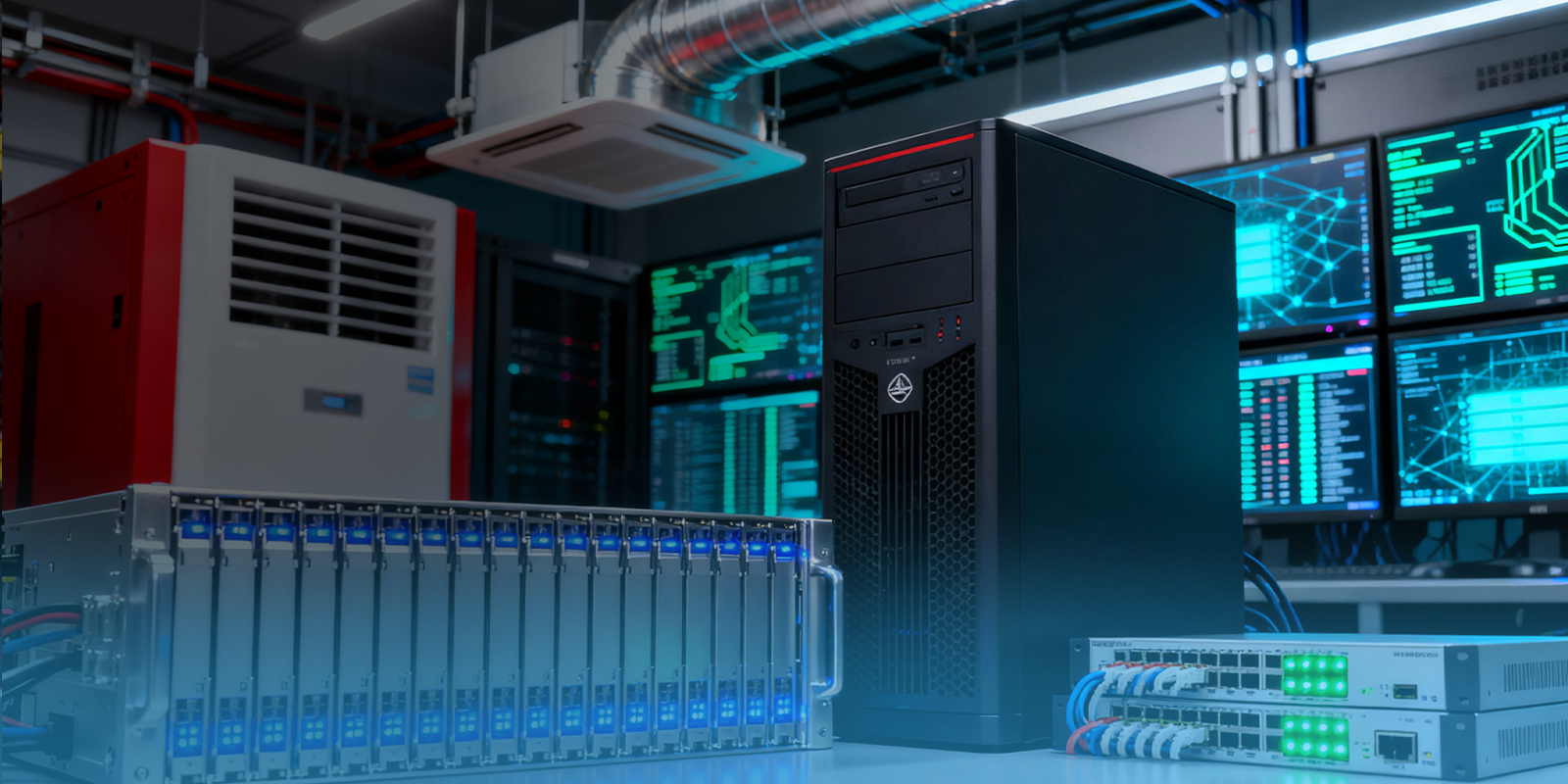
When people picture data center fans, they often think of large cooling units, fan walls, or rooftop equipment. Yet many of the most critical fans are hidden inside servers, switches, storage arrays, UPS cabinets, and power electronics. These compact fans protect the components that actually process, store, move, and support data.
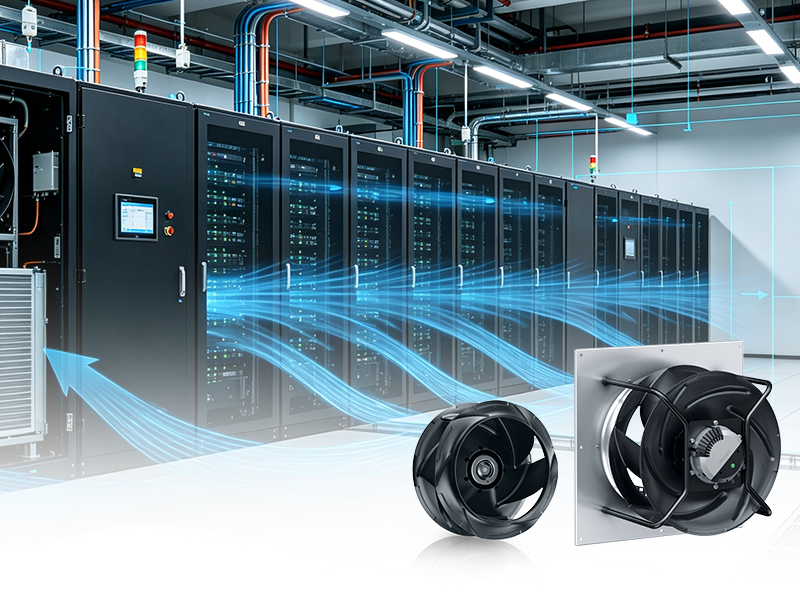
Room cooling and equipment cooling are connected but not interchangeable. The room system delivers air at an acceptable inlet condition. Internal equipment fans then force that air through dense chassis paths, heat sinks, power supply modules, memory banks, and network cards. If either layer fails, the other cannot fully compensate. A perfectly cooled cold aisle does not help a server whose internal airflow path is blocked or whose fan module has failed.
Why compact fans face high pressure
Inside IT hardware, space is scarce. Air must move through narrow passages, restrictive grilles, heat sinks, cable areas, and densely packed boards. This creates pressure resistance that can be much higher than a simple open-air fan rating suggests. Compact fan application therefore depends on the fan curve and the installed system resistance, not only on nominal airflow.
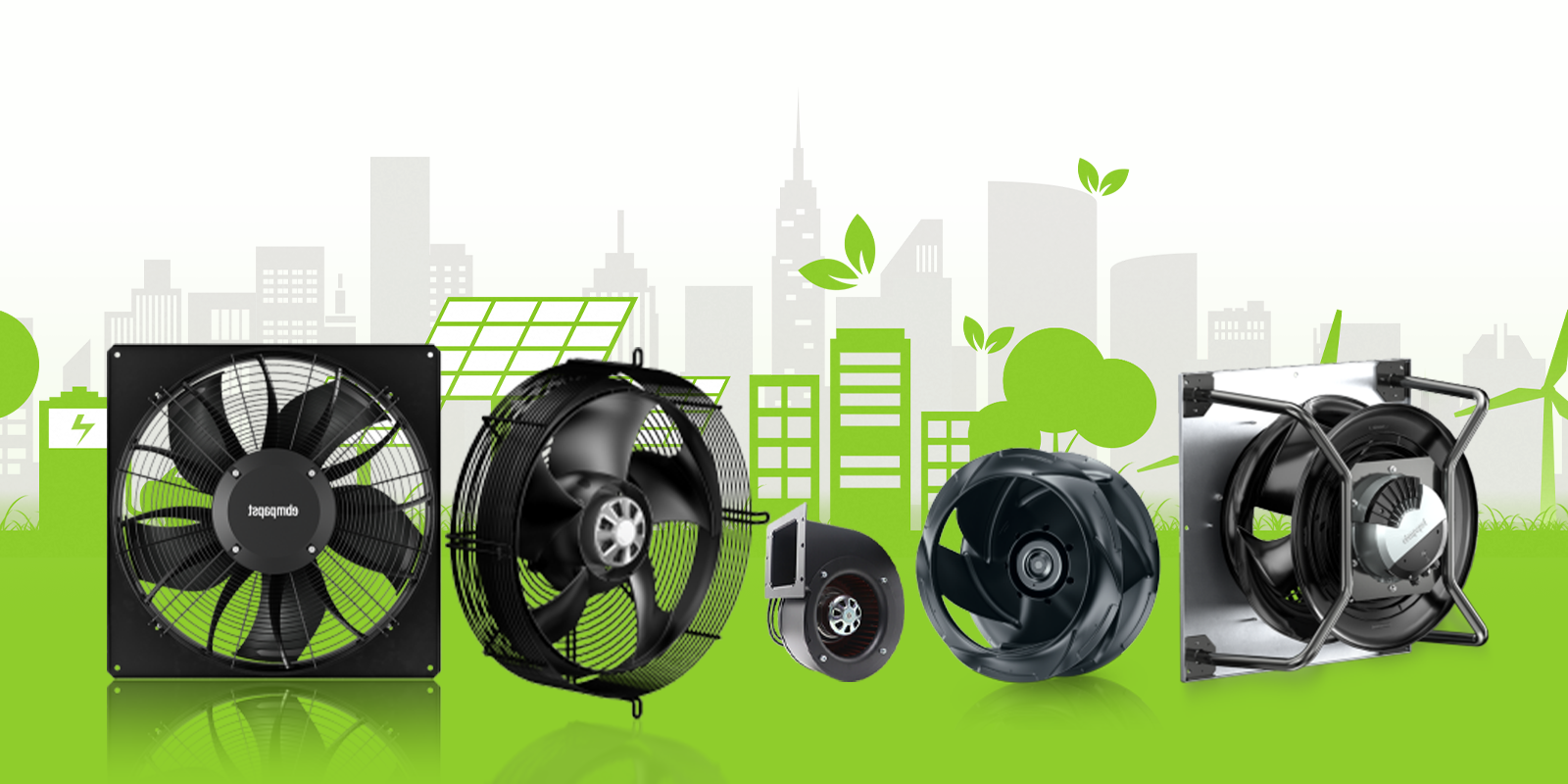
ebm-papst ICT and electronics materials discuss cooling for network technology, routers, storage technology, servers, and mainframes. The same materials emphasize reliable dissipation of heat and the importance of fan performance in increasingly dense computer systems. That is a factual basis for discussing compact fan use in data center IT equipment without claiming a particular facility deployment.
UPS and power electronics cooling
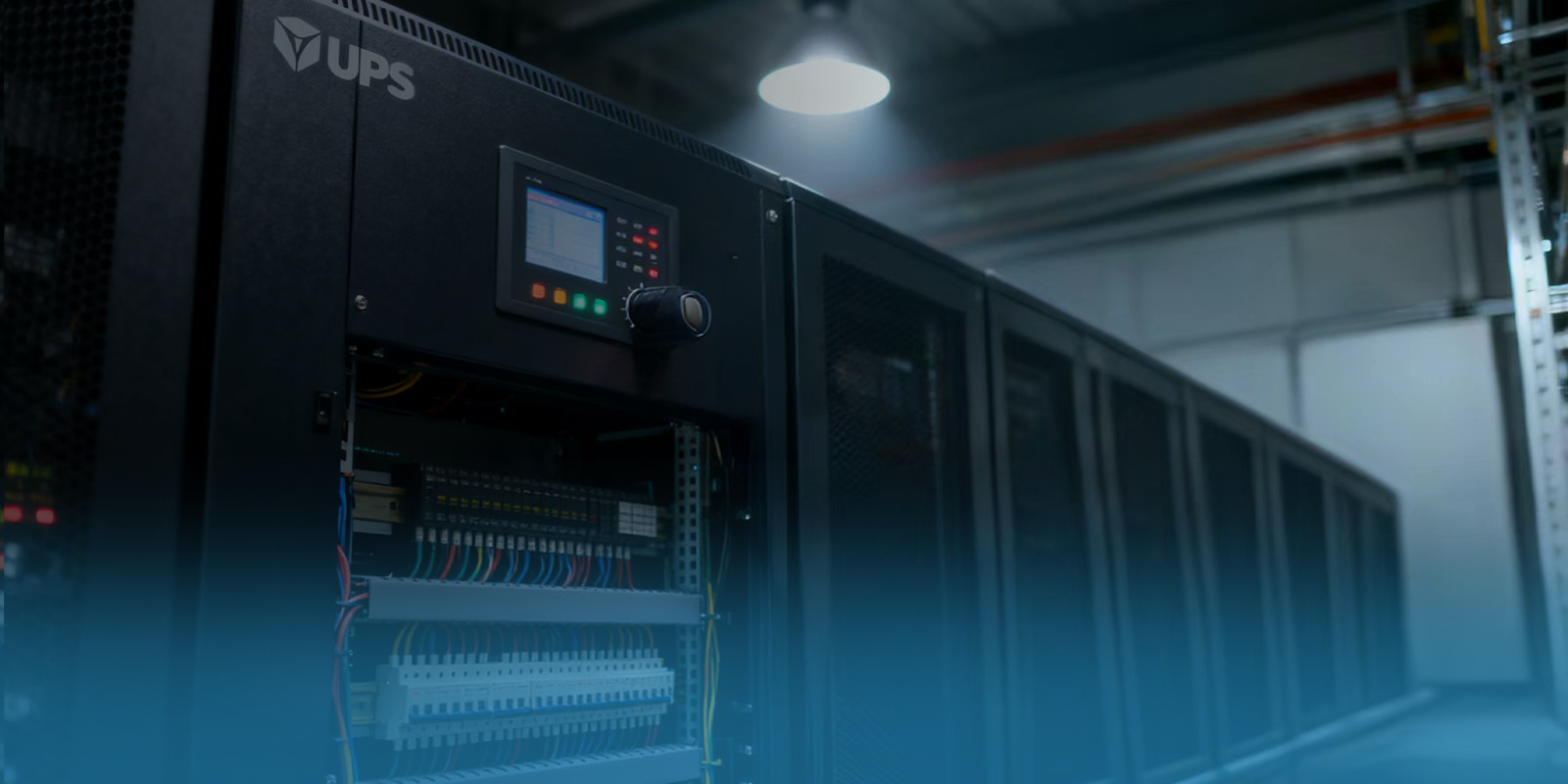
UPS systems are critical because they keep power available during disturbances. They also create heat in batteries, power conversion electronics, transformers, and control boards. Cooling fans in UPS equipment must support reliability during normal operation and during stressful events. A fan problem in power infrastructure can become a data center availability problem even if the IT racks themselves are thermally healthy.
ebm-papst China data center materials list UPS as a data center application area and name fan products such as AxiForce, AxiTwin 100, DiaForce, and S-Force in that context. This should not be read as a universal replacement guide. UPS fans are part of certified equipment, and replacements must follow the equipment manufacturer's requirements. Still, it shows that compact and high-performance fan families are relevant to the data center power layer.
Signals, alarms, and fan trays
Compact fans in servers and electronics are increasingly monitored. Speed feedback, PWM control, tachometer outputs, locked-rotor alarms, and temperature-based control are common design considerations. The fan may be small, but the signal strategy is not trivial. A missing speed signal can trigger an alarm. A wiring mismatch can prevent the equipment from recognizing a replacement fan. A control conflict can cause unnecessary high-speed operation.
Fan trays make service easier, but they also create airflow management questions. If one fan is removed, can neighboring fans pull air backward through the empty opening? Does the system include shutters or control logic to reduce bypass? Can a technician replace the module quickly while the equipment remains live? These questions are especially important in high-availability data centers where maintenance is performed under load.
Reliability starts with the equipment design
The best compact fan application is designed into the equipment from the beginning. Engineers should consider airflow path, acoustic behavior, dust exposure, vibration, service access, cable routing, and failure detection. Adding a stronger fan late in the design may increase airflow, but it can also increase noise, power draw, or turbulence. A balanced design protects components without creating new problems.
For operators, the practical lesson is to treat compact fans as critical assets. Keep inlet paths clean, avoid obstructing server exhaust, monitor fan alarms promptly, and use approved replacement parts. In a data center, cooling is not only a facility function. It is embedded in every layer, from the largest air handler to the smallest fan protecting a power supply.
Application perspective
Dust and filtration affect compact electronics fans differently from large room fans. A small obstruction in a server or power electronics airflow path can have a disproportionate impact because the channels are narrow. Good housekeeping, filter discipline, and cable management support the internal fans by keeping resistance close to design conditions.
Replacement discipline is especially important. A fan with similar dimensions may not provide the same pressure curve, signal output, bearing behavior, acoustic profile, or firmware recognition. Data center operators should follow the equipment vendor's replacement process and avoid casual substitutions. The fan may be inexpensive compared with the server or UPS, but its failure can have an outsized operational consequence.
Acoustics should not be ignored just because the data hall is not an office. High-speed compact fans can create tonal noise that complicates maintenance work and may signal airflow restriction. A sudden increase in server fan speed can also indicate rising inlet temperature, firmware response, or internal obstruction. Operators should treat unexpected acoustic changes as useful early clues, especially when they appear before formal alarms.
Airflow direction is another basic detail with real consequences. In dense equipment, a reversed or mismatched fan can short-circuit the intended path and create localized heating quickly. Labels, keyed connectors, firmware checks, and approved service procedures all help prevent simple mistakes from becoming thermal incidents.
For critical systems, even small fan changes deserve controlled review.
FAQ
Q: Why do servers need compact fans?
A: Servers contain dense electronics that must be cooled through restricted internal paths, so compact fans move air across heat sinks, memory, power supplies, and other components.
Q: Are data center room fans enough for servers?
A: No. Room cooling supplies acceptable inlet air, but internal server fans move that air through the chassis and across components.
Q: What fan types can be used in UPS cooling?
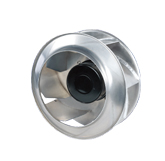
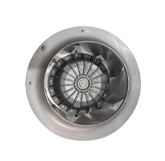
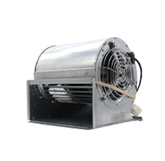
A: Depending on design, UPS and power electronics may use compact axial, diagonal, or blower-style fans. ebm-papst China data center materials list AxiForce, AxiTwin 100, DiaForce, and S-Force in UPS support context.
Q: What makes electronics cooling difficult?
A: The airflow paths are small, pressure resistance can be high, noise limits may matter, and component heat can change rapidly with load.
Q: Should compact fan replacement use exact equivalents?
A: Usually yes unless the equipment manufacturer approves a substitute. Airflow, pressure, signal wiring, speed feedback, alarms, voltage, and safety approvals must match requirements.